Dear
Victory Visitor
Preparing content, please wait..
Loading... Please wait


VICTORY NOW OFFERS
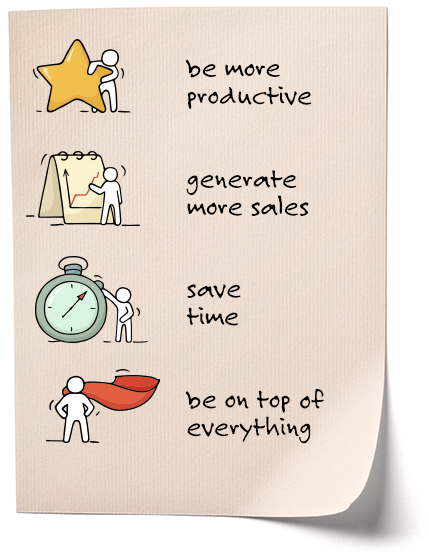
DIGITAL TOOLS THAT:
1. help you have productive client meetings with clear product decision making
2. allow you to generate quotes to clients easily and quickly
3. give you a quick way to process your quotes into orders to us
4. let you follow all orders in an organized manner